Can I send people to another link right after they submit a form?
Yes. Choose Link under Post-Submit Display in the Edit Form tab and enter an address. Visitors go there as soon as they submit.
Set the link to open after submission
- Open the Edit Form tab of the form.
- Under Post-Submit Display, choose Link.
- Enter the address to send people to, such as a booking page or your own site.
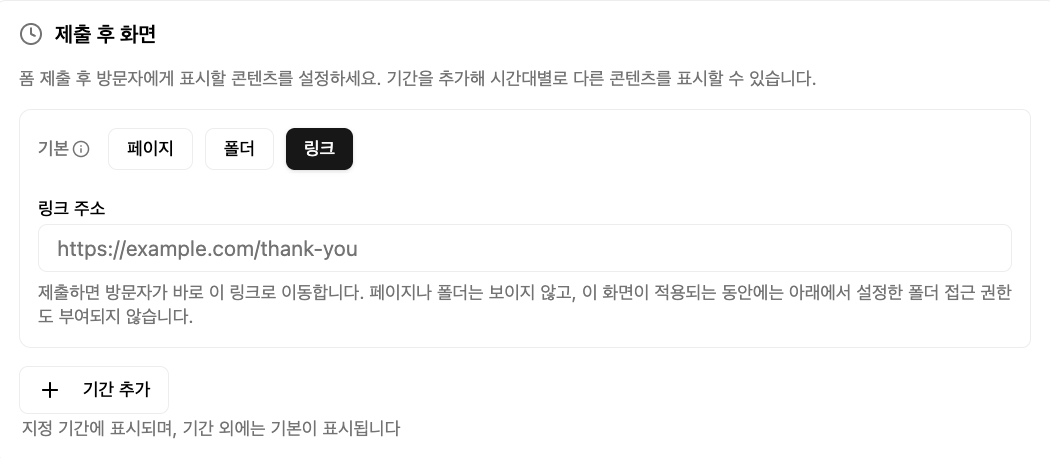
If you type just the address, https:// is added in front automatically.
Addresses that don't use https can't be saved. The field shows the reason.
You can also pick a link for each time window in the scheduled settings.
Good to know
- Forms embedded on other sites don't redirect. Visitors stay on that site and see the default thank-you message.
- While Link is selected, the Grant folder access setting doesn't apply.
Still need help?
Tell us what you need help with and which screen you are using.