Can I send visitors to another page after a form closes?
Yes. Choose Go to another page in Form closing settings, and visitors who open the closed form link go straight to the page you picked.
Pick a page to open after closing
- Open the form's Settings tab.
- Expand Form closing settings.
- Under Closing conditions, set an expiry time or a maximum number of submissions.
- Under What visitors see after closing, choose Go to another page.
- Search for and pick the page. You can choose from your public documents, forms, and folders.
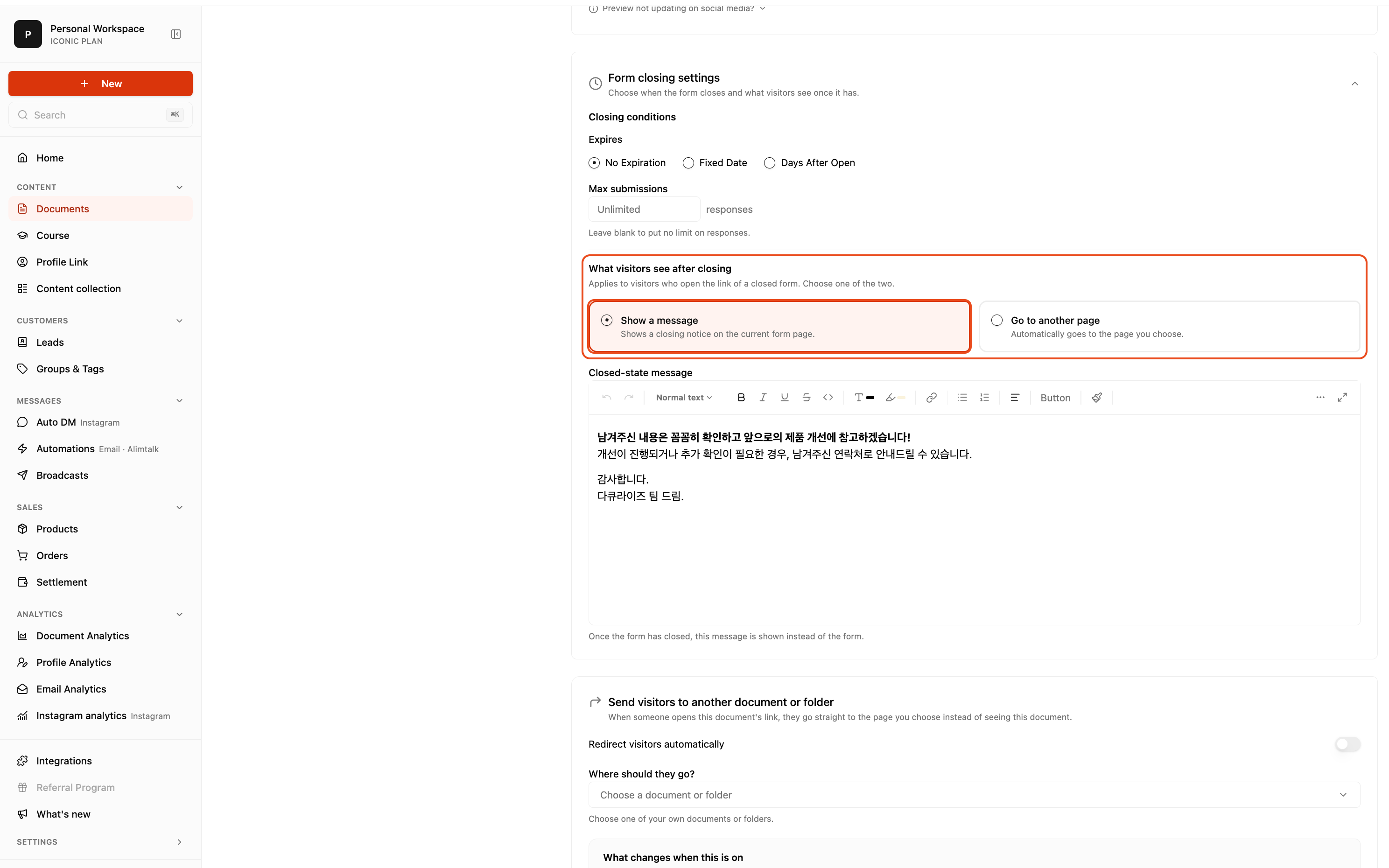
Visitors who open the closed form link go straight to the page you picked, without a closing notice.
If you change that page's address later, visitors still go to the same page.
To show a closing message instead
Show a message: choose this to show your closing message in place of the closed form.
The closing message can be up to 1,000 characters, counting only the text shown on screen. Formatting like center alignment or line breaks doesn't count.
Good to know
- If the page you picked is deleted, made private, or locked, the closing message is shown instead.
- You pick the destination from a list instead of typing an address. Addresses outside DocuRise can't be chosen.
To send people to another link after they submit, see Can I send people to another link right after they submit a form?.
Still need help?
Tell us what you need help with and which screen you are using.