How many questions can I add to a form?
A form can have up to 50 questions. Custom questions on the email screen of a document, post, or folder are limited to 10.
Add form questions
- Open the form from Documents and click the Edit Form tab.
- Under Form Fields, click Add question.
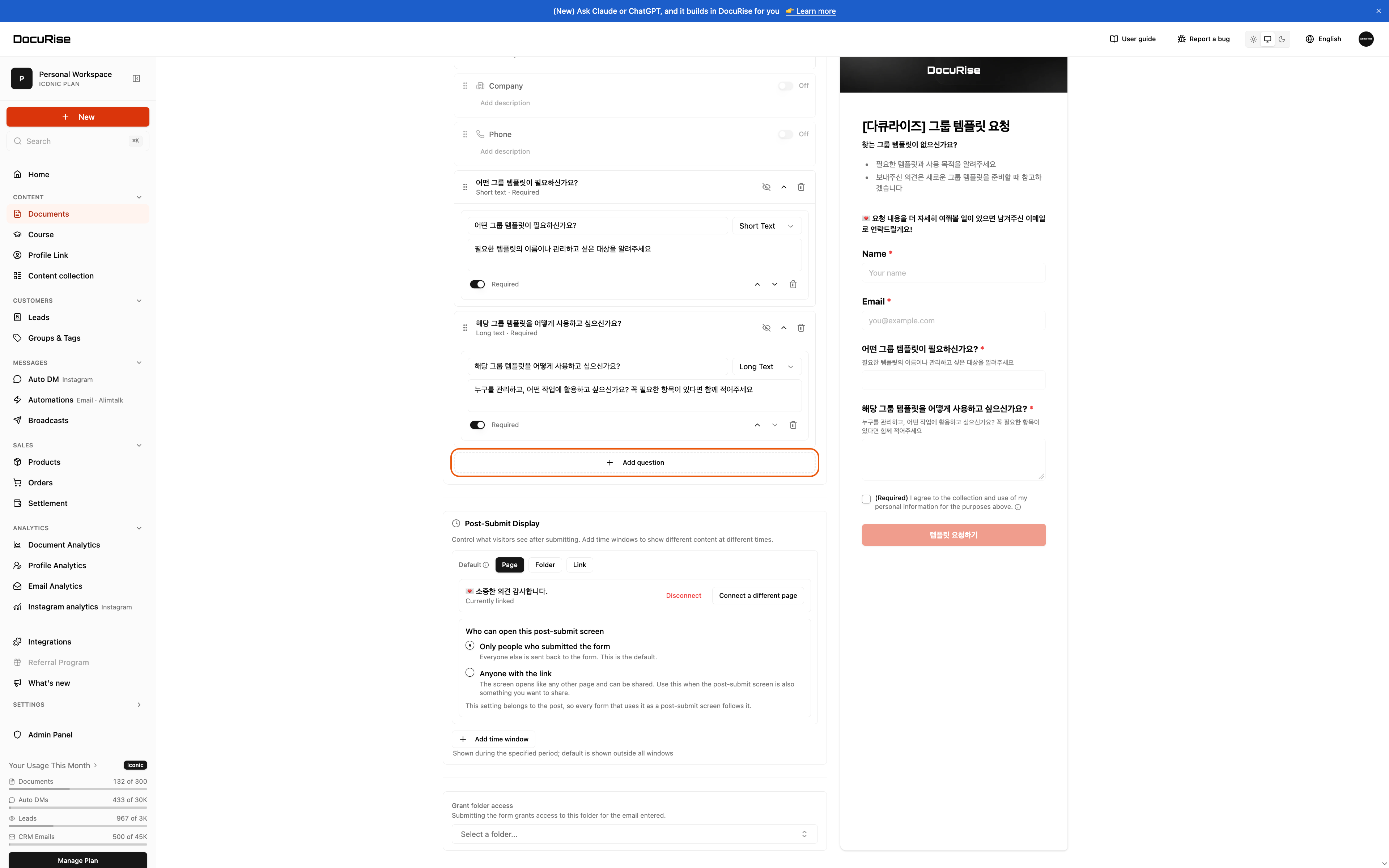
Payment forms and the buyer info form on sales pages also allow up to 50 questions.
Once you reach 50, the editor tells you that you can't add more.
Good to know
- Each form can have up to 10 file upload questions.
- Custom questions on the email screen of a document, post, or folder are still limited to 10.
- Answers to questions after the 10th show up everywhere: response history, lead exports, response analytics, order details, and automations.
- If an answer is too long at checkout, payment won't go through. Buyers see a message asking them to shorten it.
Still need help?
Tell us what you need help with and which screen you are using.