I get an error when I import contacts from a CSV.
Check the CSV save format, the column mapping, and whether each row has an email or phone number.
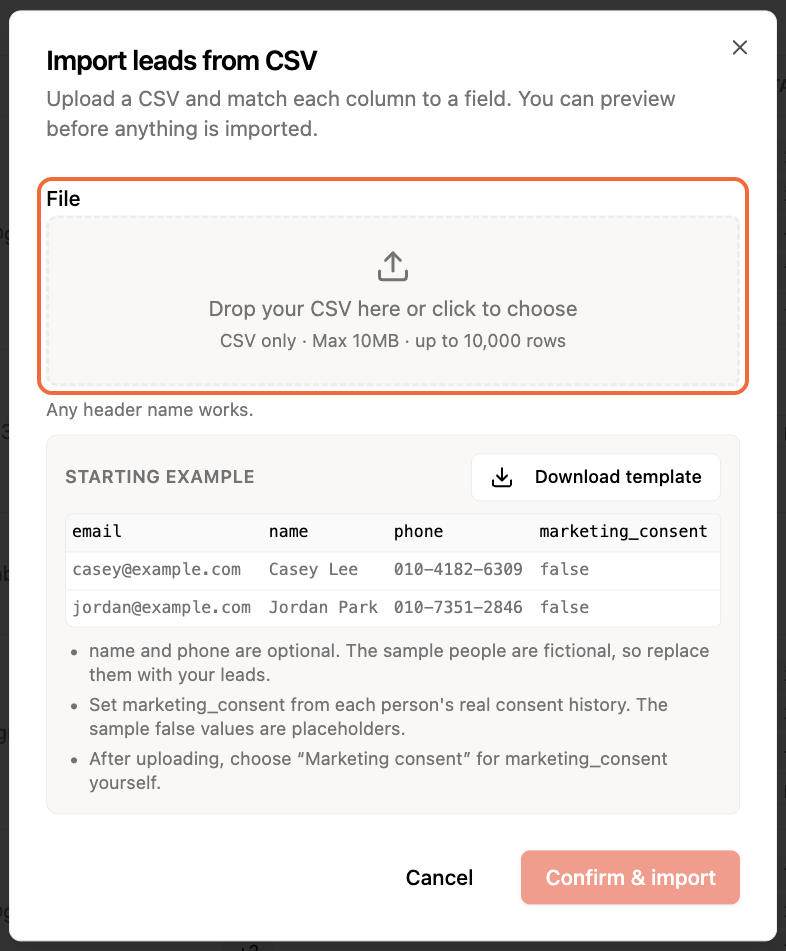
- Before choosing a file, check the Starting example in the import window. It has four columns: email, name, phone, and marketing_consent.
- Download template: add your leads to the CSV you download, then upload it. The example people aren't real, so delete them.
- In Excel, save the file again as CSV UTF-8 (Comma delimited).
- On the import screen, check that each column is mapped to the right field.
- Make sure you mapped an email or phone column. Rows with neither are skipped.
- Preview: click it, then check rows that couldn't be imported to see which rows were skipped and why.
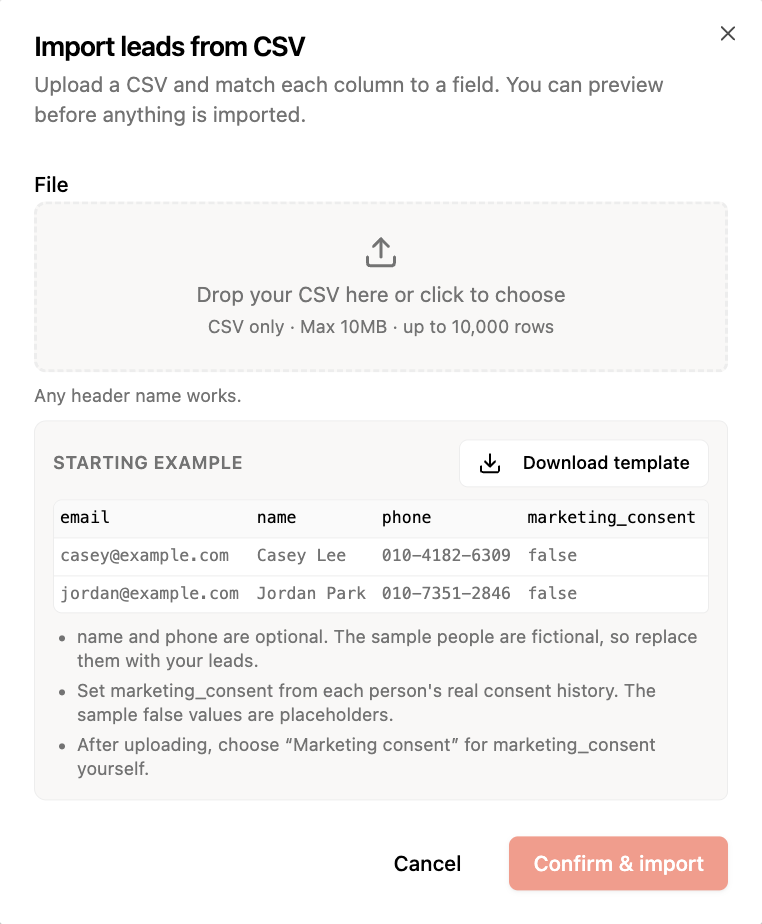
Fill in marketing_consent with each person's actual consent history. After uploading, map this column to Marketing consent yourself.
Renaming a column to a specific name won't fix the problem by itself. You can now map any header directly to a field.
Still need help?
Tell us what you need help with and which screen you are using.