Can I add a note or a section title to my profile?
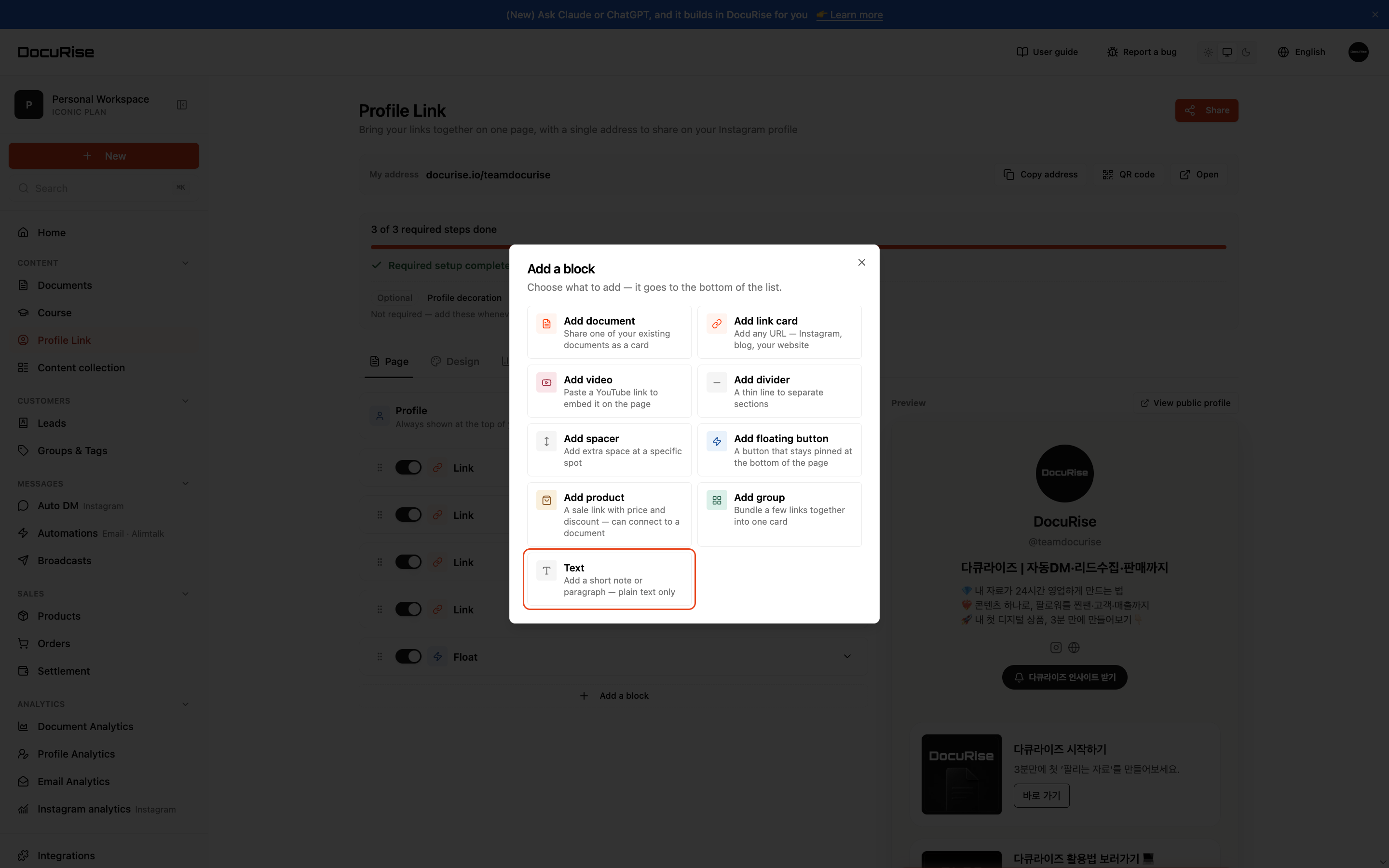
Yes. Add a Text block from Add a block. A title on its own is enough to save it.
How to add a text block
- In Profile Link, click Add a block.
- Choose Text.
- Type a title or body text.
Good to know
- Once you add a block, it shows on your public profile right away. There's no save button.
- New blocks are added to the bottom of the list.
- If you only enter a title, it shows as one bold line on your public profile.
- A block with both the title and body empty isn't saved.
- You can use bold, italics, lists, and links in the body.
- Fonts and colors follow your profile theme.
Still need help?
Tell us what you need help with and which screen you are using.