How do I introduce a PDF, collect emails, and then send the file?
Connect your existing PDF to a separate sign-up form, then email the PDF link after the form is submitted.
- Get a link where your existing PDF can be viewed.
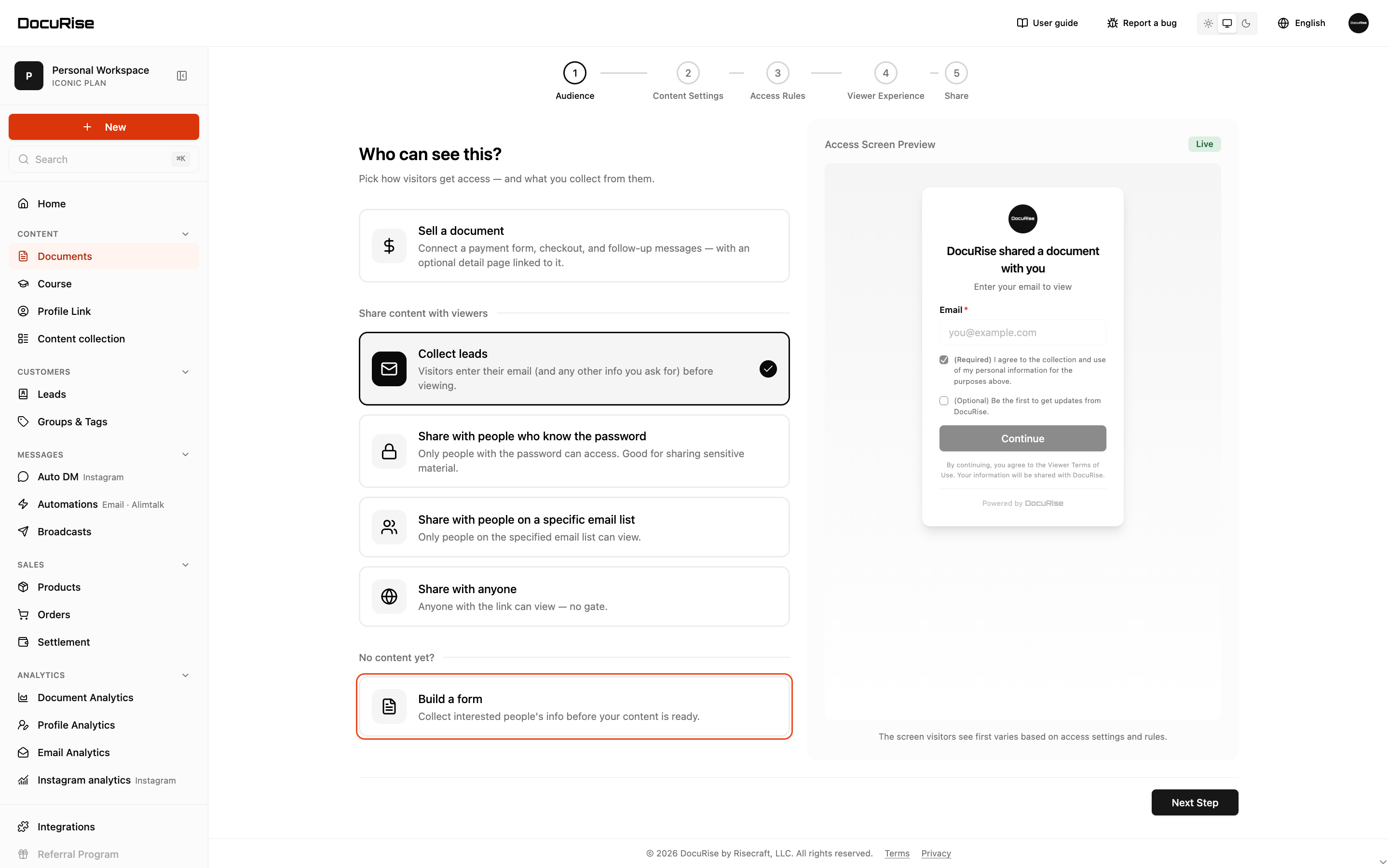
- In New → Build a form, add a PDF intro and an email field.
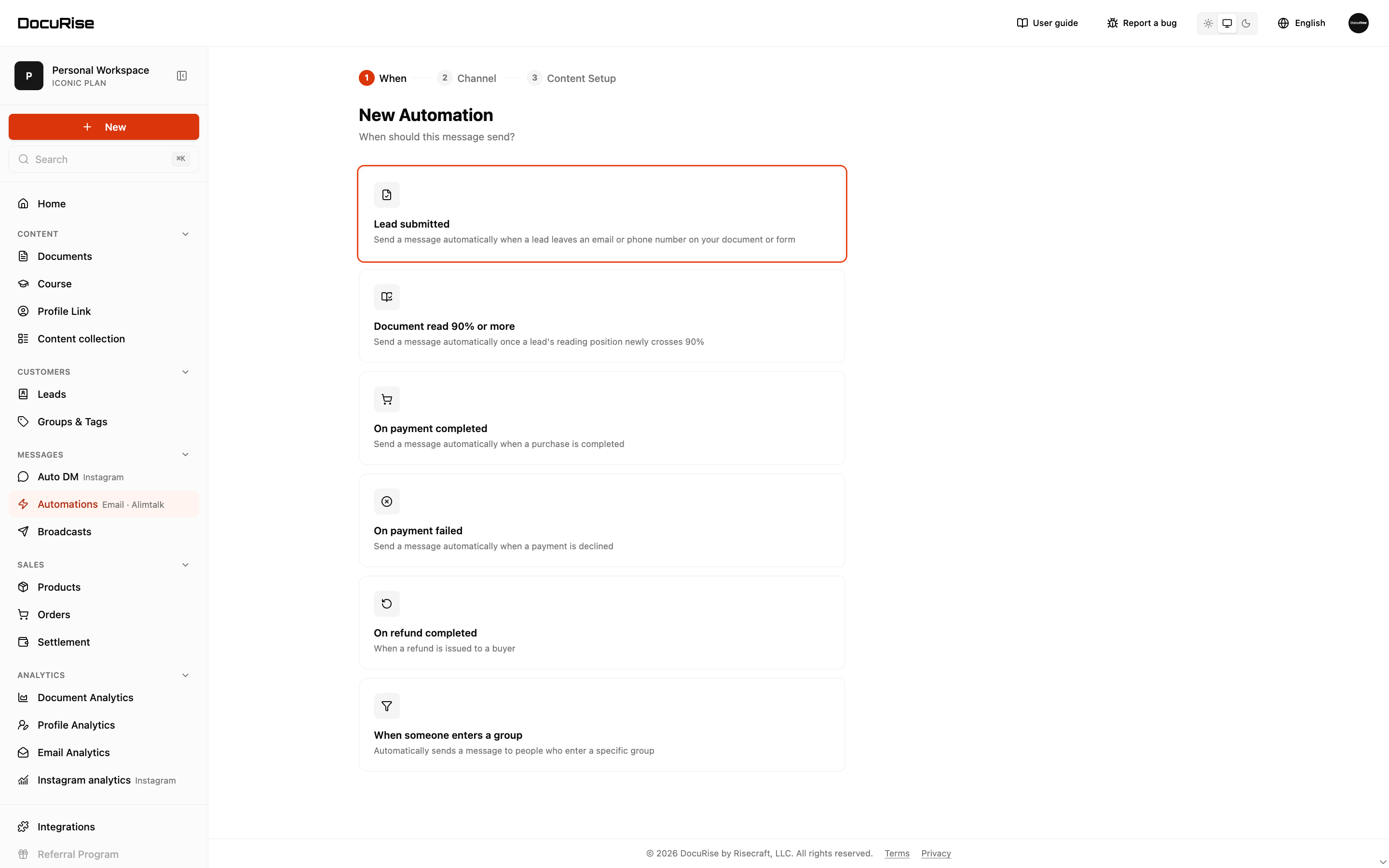
- In Automations → New automation message, choose Lead submitted.
- Select your sign-up form in Target Document.
- Add the PDF link to the email you send.
You don't need to remake the PDF or send it to each person yourself.
Still need help?
Tell us what you need help with and which screen you are using.